Your partner in
We set up Microsoft 365 environments and manage them for secure and logical daily use.
Get to Know Us



What is Microsoft 365?
Microsoft 365 is your complete working environment in the cloud: mail and calendar in Outlook, collaboration in Teams, and files stored securely in OneDrive and SharePoint. Word, Excel and PowerPoint are included too, so you can create and edit documents wherever you are. It all comes down to one thing: everything works together seamlessly, instead of juggling separate systems.
You also get the latest version automatically, with no updates or hassle. The engineers at ICT Teamwork make sure Microsoft 365 is set up correctly for your organisation. They prepare everything smartly, so you and your team can start straight away.
What organisations use Microsoft 365 for
Email and calendar in Outlook
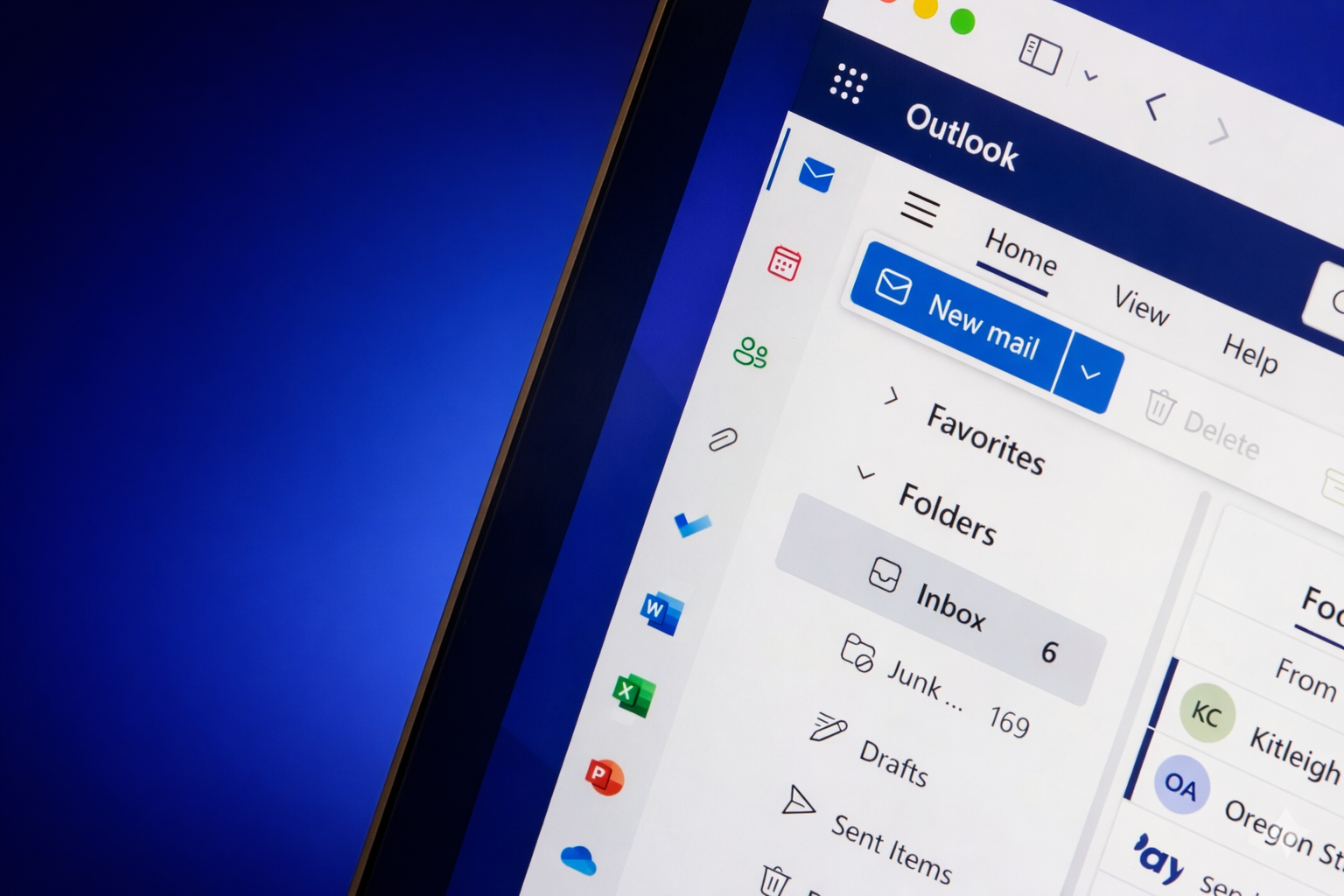
Email and calendar in Outlook
Professional communication and planning in one place, always in sync across all your devices.

Collaborating online in Teams
Collaborating online in Teams
Meet, chat and work together, whether you are in the office or working from home.
Storing and sharing files with SharePoint and OneDrive
Storing and sharing files with SharePoint and OneDrive
Central document storage that your team can reach at any time, from anywhere.

Creating documents in Word, Excel and PowerPoint
Creating documents in Word, Excel and PowerPoint
Always up to date and available on every device, wherever you work.

Working securely from different locations
Working securely from different locations
With MFA and Conditional Access you work securely at home, in the office or on the road.

Working smarter with Microsoft Copilot
Working smarter with Microsoft Copilot
An AI assistant built into Teams, Outlook and Word. Automate tasks and work faster.
Microsoft 365 set up and managed by ICT Teamwork
From the first setup to everyday Microsoft 365 management: we handle it end to end. You focus on your business, we make sure Microsoft 365 simply works.
Microsoft 365 management is part of our Standard package.
Within this package we take care of the daily management of your Microsoft 365 environment, including user management, security, support and maintenance.
Would you like to know how your IT is doing first?
Your organisation may not be using Microsoft 365 optimally and securely yet, or you may be considering a move to Microsoft 365. With our IT Check you get a no-obligation view in 3 steps of how your IT environment is doing, which points need attention and which services we can use to resolve them.

Source: burgy.nl · Bart
From on-premises to Microsoft 365
Burgy Bouwbedrijf worked with a local server and VPN. Together with ICT Teamwork they moved to Microsoft 365, with SharePoint, Teams and secure cloud storage. The migration took place without interrupting daily operations.
Read the full case
Want Microsoft 365 set up and managed? ICT Teamwork takes it off your hands completely.
As a Microsoft 365 partner we help your organisation end to end: management, setup, security, monitoring and maintenance. Call us, send an email, or fill in your details and submit your request.